ELM327 Wi-Fi OBD2 Code Reader Adapter V1.5 for iPhone, Android and Windows, Reads and Clears Check Engine Codes, Live Data
ELM327 Wi-Fi OBD2 Code Reader Adapter V1.5 for iPhone, Android and Windows, Reads and Clears Check Engine Codes, Live Data
Regular price
$13.99
Regular price
$13.99
Sale price
$0.00
Unit price
per
Couldn't load pickup availability
-
Ordered
- - -
Order Ready
- - -
Delivered

ELM327 Wi-Fi OBD2 Code Reader Adapter V1.5 for iPhone, Android and Windows, Reads and Clears Check Engine Codes, Live Data
Regular price
$13.99
Regular price
$13.99
Sale price
$0.00
Unit price
per
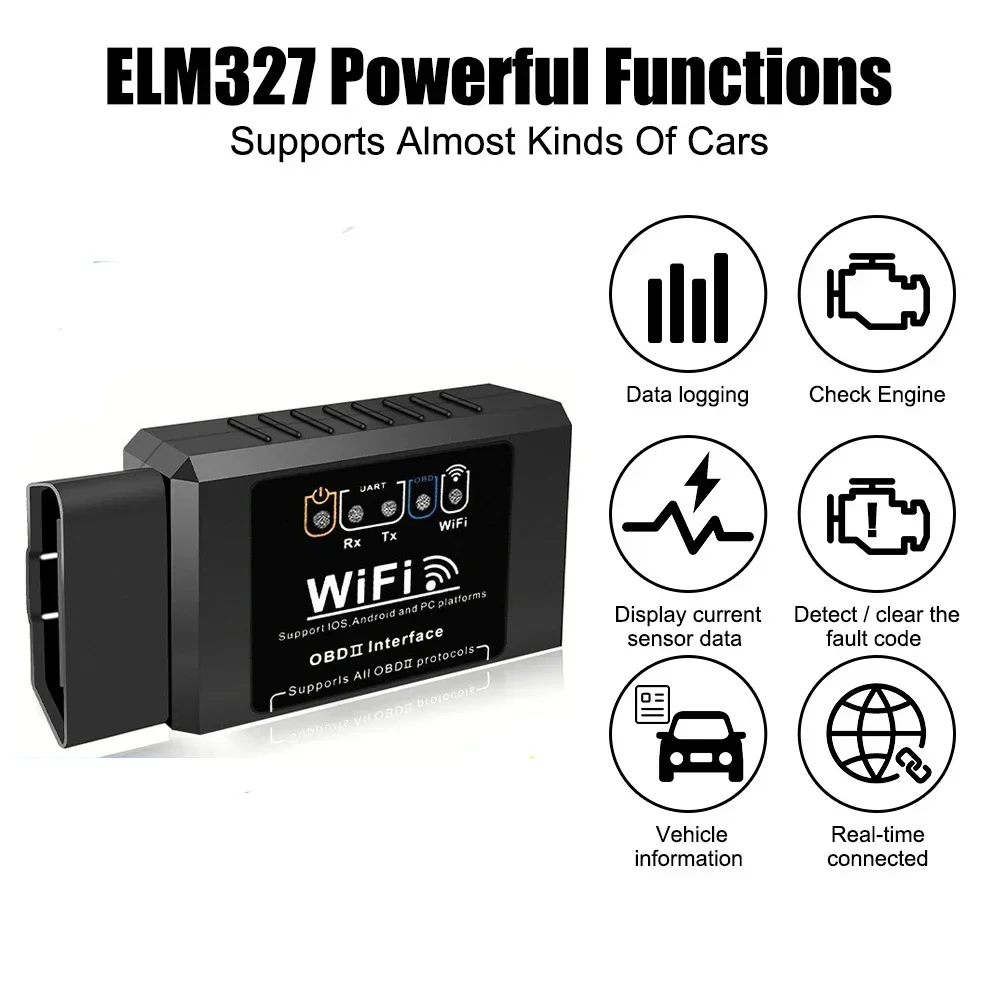
A compact ELM327 Wi-Fi OBD2 adapter. Plug it into your car's OBD2 port, connect your phone, tablet or laptop to its Wi-Fi, and use an OBD2 app to read and clear check engine codes and watch live sensor data.
Key Features
- Read and clear codes: generic and many manufacturer codes with their meaning, and turn off the check engine light after the repair.
- Live sensor data: engine RPM, load, coolant temperature, vehicle speed, fuel trims, intake air temperature, air flow, throttle position, O2 sensor voltages and more.
- Wi-Fi connection: works with iPhone, iPad, Android and Windows devices.
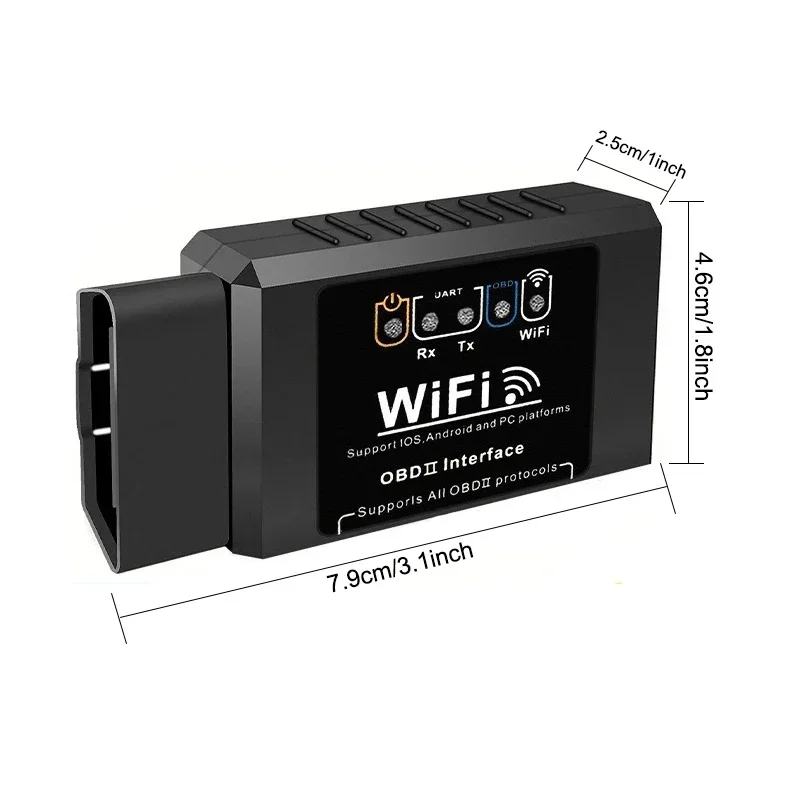
- Small: about 1.7 x 1.0 x 1.2 in, so it stays out of the way.
Compatibility
- Works with most 1996 and newer cars and light trucks that have an OBD2 port and use standard OBD2 protocols.
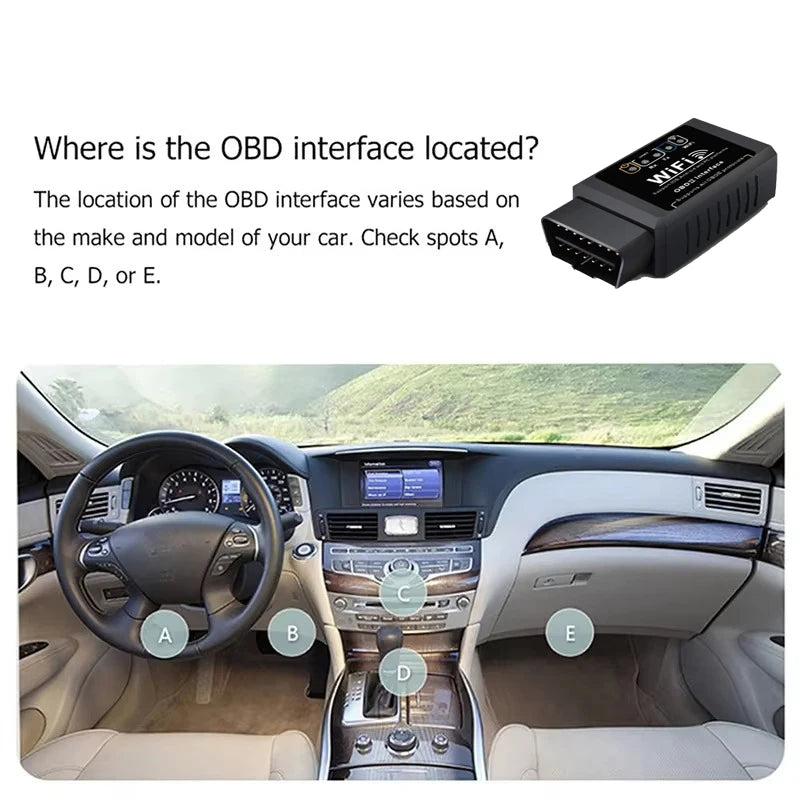
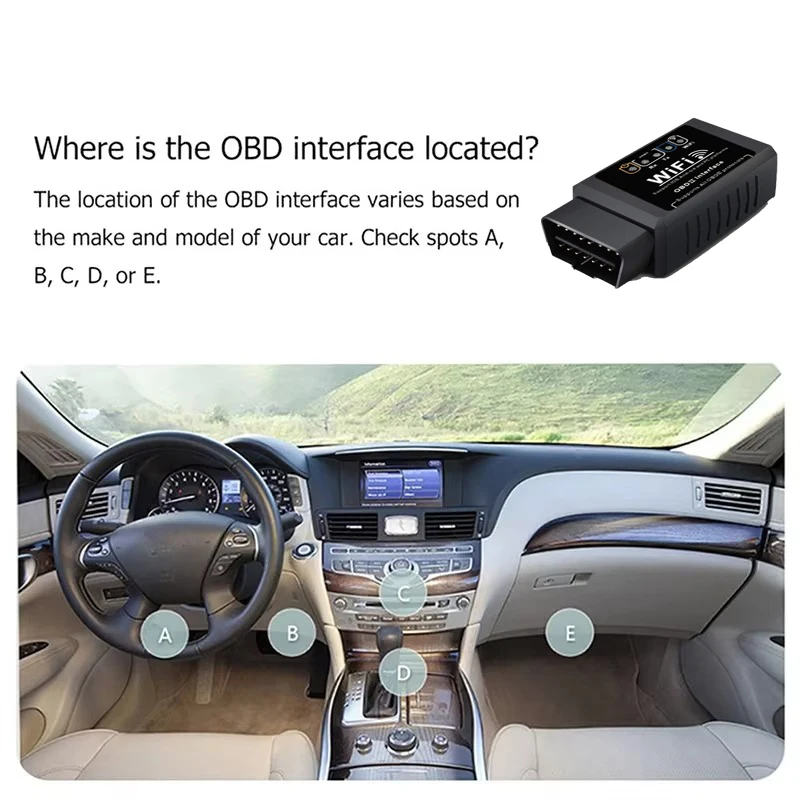
- The OBD2 port is usually under the dashboard on the driver's side, near the steering column.
- Not sure about your vehicle? Message us your make, model and year before ordering.
Specifications
- Hardware version: V1.5
- Connection: Wi-Fi (network name WiFi_OBDII, IP 192.168.0.10, port 35000)
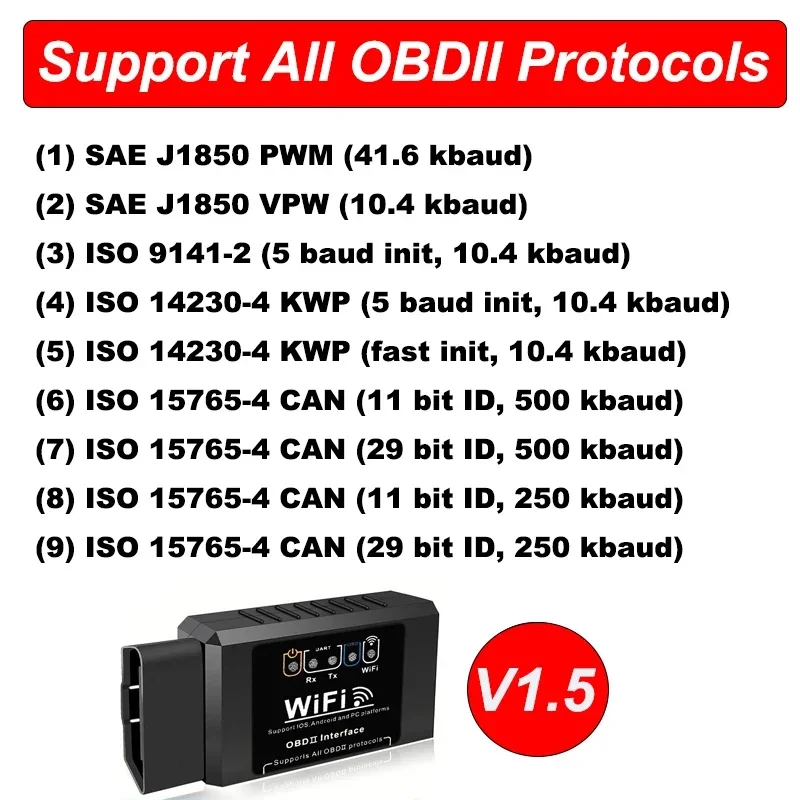
- Protocols: 9 standard OBD2 protocols, including CAN, KWP2000, ISO 9141 and J1850 PWM/VPW
- Working voltage: 9 to 16V
- Current: 65 mA working, 45 mA standby
- Operating temperature: -40 to 185°F (-40 to 85°C)
- Size: about 1.7 x 1.0 x 1.2 in (43 x 25 x 30 mm)
What's in the Box
- 1 x ELM327 Wi-Fi OBD2 adapter
How to Connect
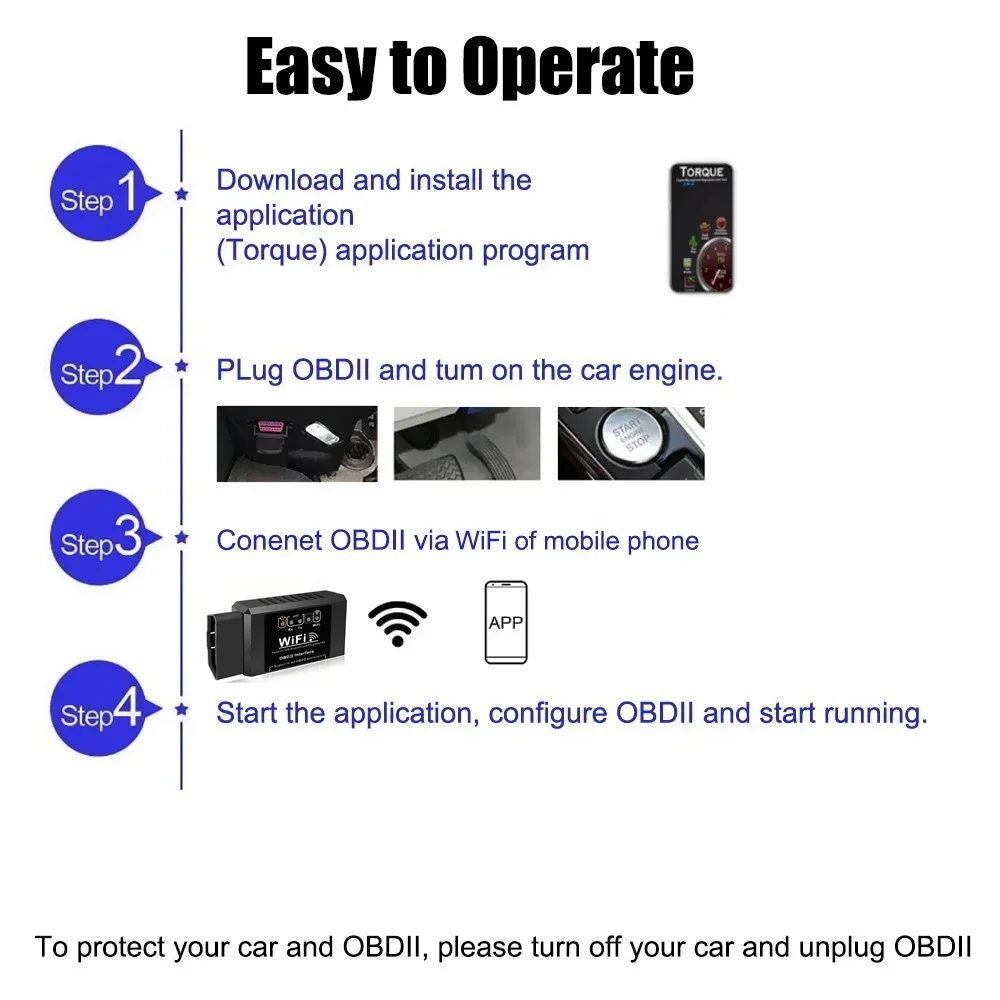
- Plug the adapter into the OBD2 port and turn the ignition on.
- On your device, join the Wi-Fi network named WiFi_OBDII.
- Open an OBD2 app that supports ELM327 Wi-Fi adapters and set the connection to IP 192.168.0.10, port 35000 if the app asks.
Good to Know
- An OBD2 app is needed; no CD is included.
- This is an ELM327-compatible adapter. A few apps made only for original ELM327 chips may not run every feature.
- While your phone is connected to the adapter's Wi-Fi, it may not use Wi-Fi internet.
- Unplug the adapter if the car will sit unused for a long time.



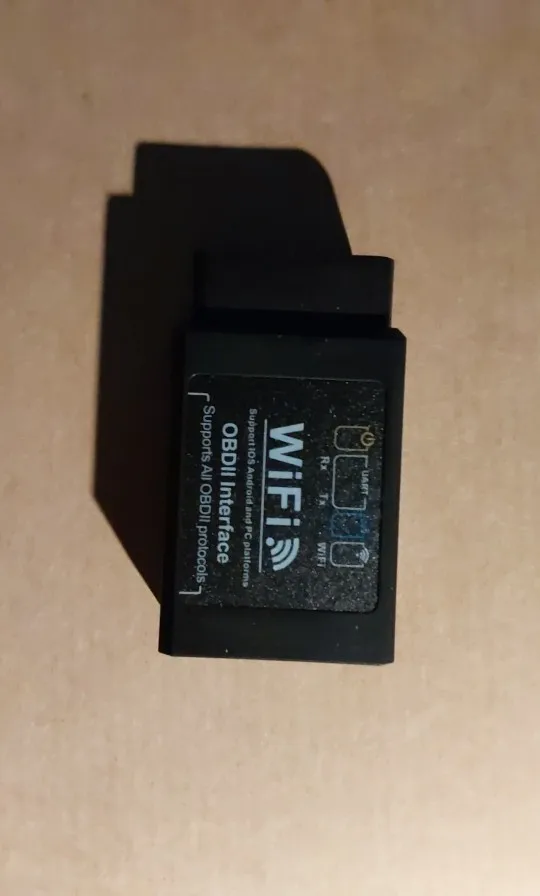
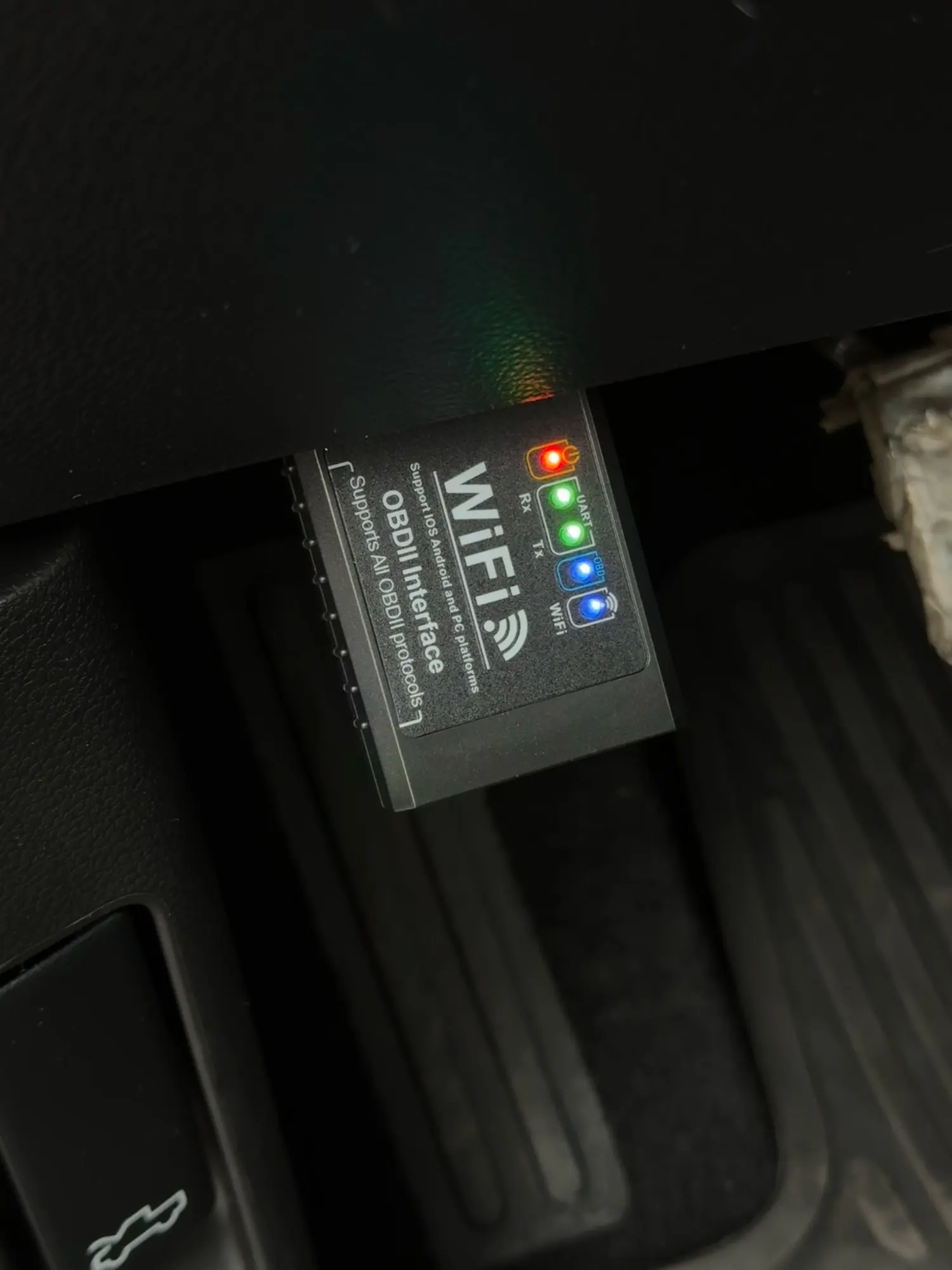
Real photos of this product