


Mini Wireless CarPlay and Android Auto Adapter, 2-in-1 USB-A Dongle for Cars with Factory Wired CarPlay or Android Auto
Mini Wireless CarPlay and Android Auto Adapter, 2-in-1 USB-A Dongle for Cars with Factory Wired CarPlay or Android Auto
Regular price
$23.99
Regular price
$23.99
Sale price
$0.00
Unit price
per
Couldn't load pickup availability
-
Ordered
- - -
Order Ready
- - -
Delivered

Mini Wireless CarPlay and Android Auto Adapter, 2-in-1 USB-A Dongle for Cars with Factory Wired CarPlay or Android Auto
Regular price
$23.99
Regular price
$23.99
Sale price
$0.00
Unit price
per
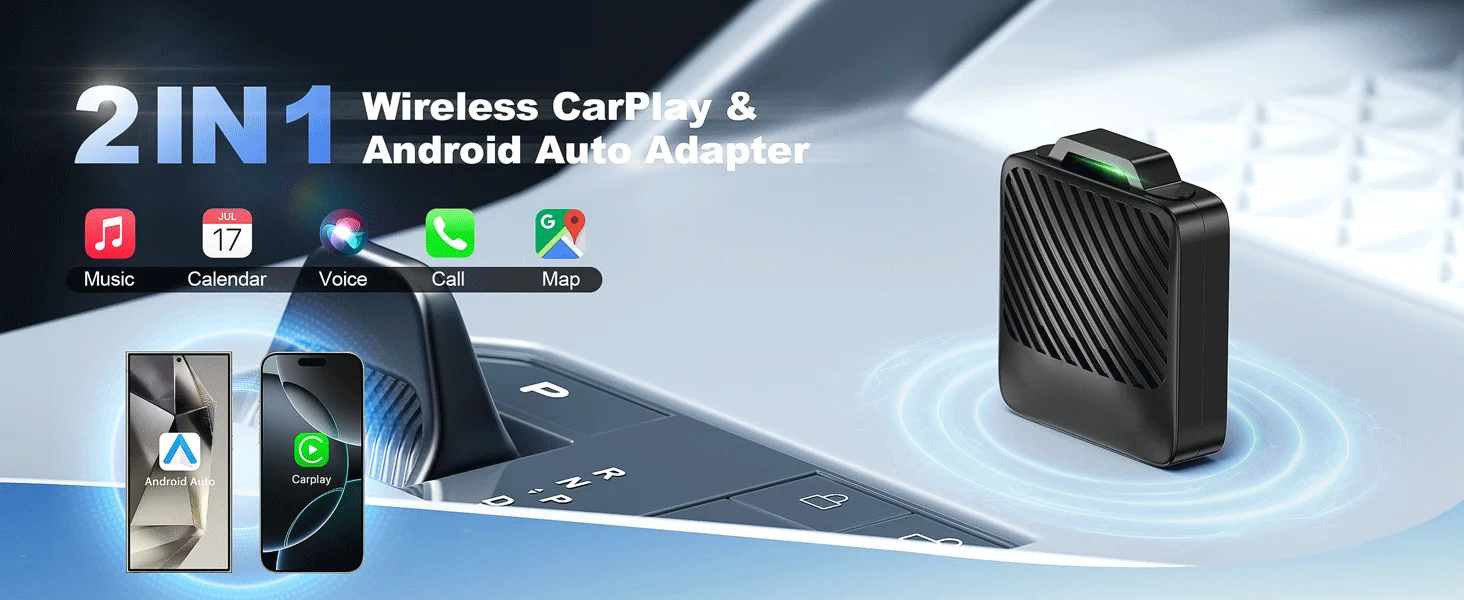
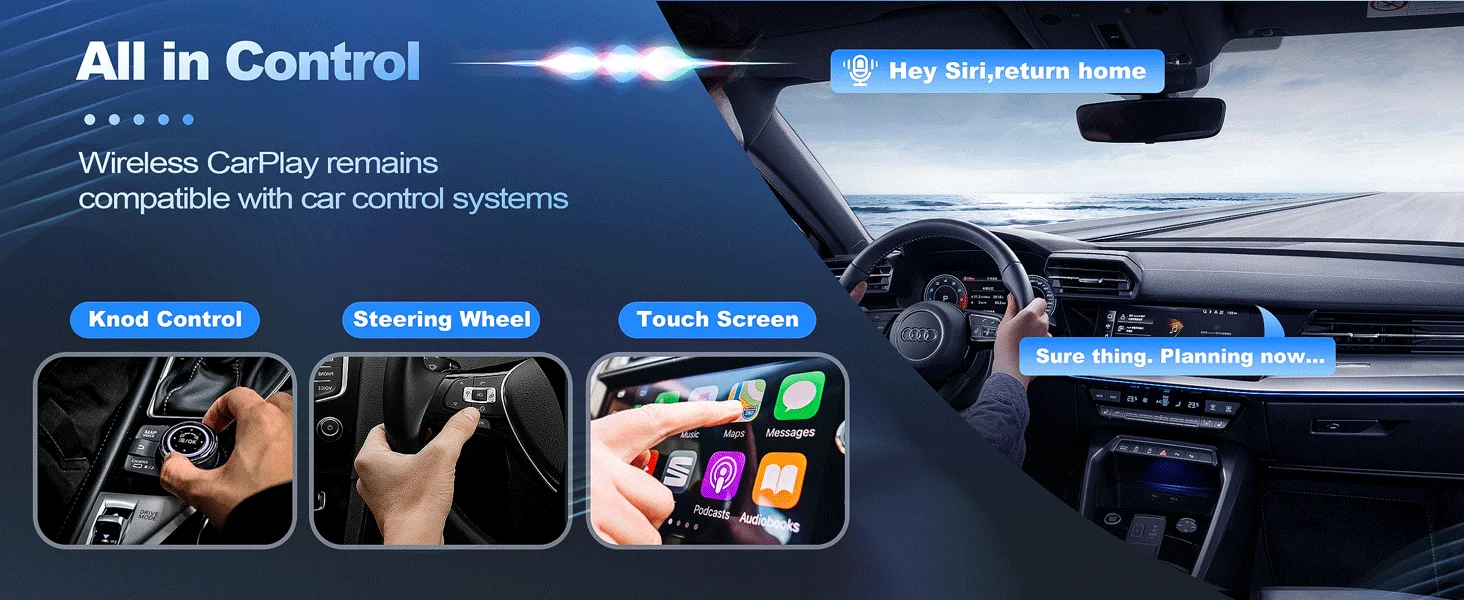
A small 2-in-1 adapter that turns your car's factory wired CarPlay or Android Auto into a wireless connection. It sits almost flush in the USB port, and after the first pairing it reconnects on its own each time you start the car.
Compatibility
- Car: must have factory wired CarPlay or Android Auto. If CarPlay or Android Auto appears on the car screen when you connect your phone by cable, your car has it.
- Port: the adapter has a USB Type-A plug, so the USB port you use for CarPlay or Android Auto must be USB-A.
Key Features
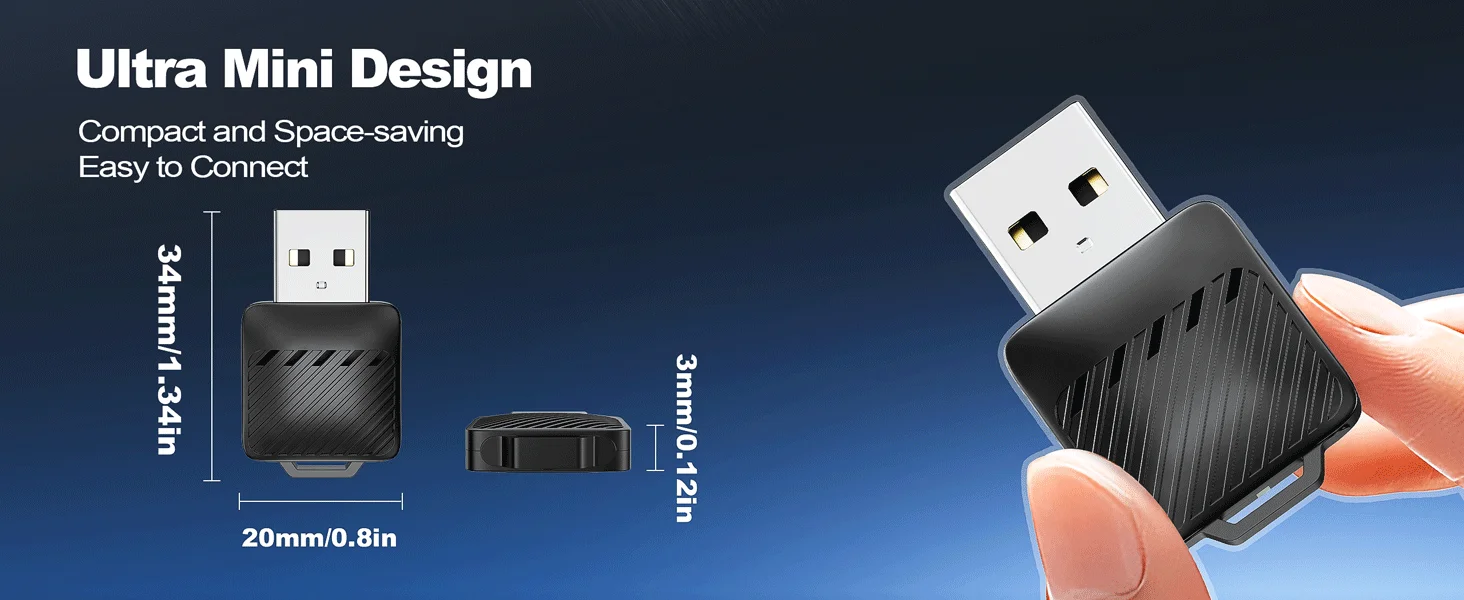
- Mini size: sits almost flush in the USB port without blocking nearby ports, per the supplier.
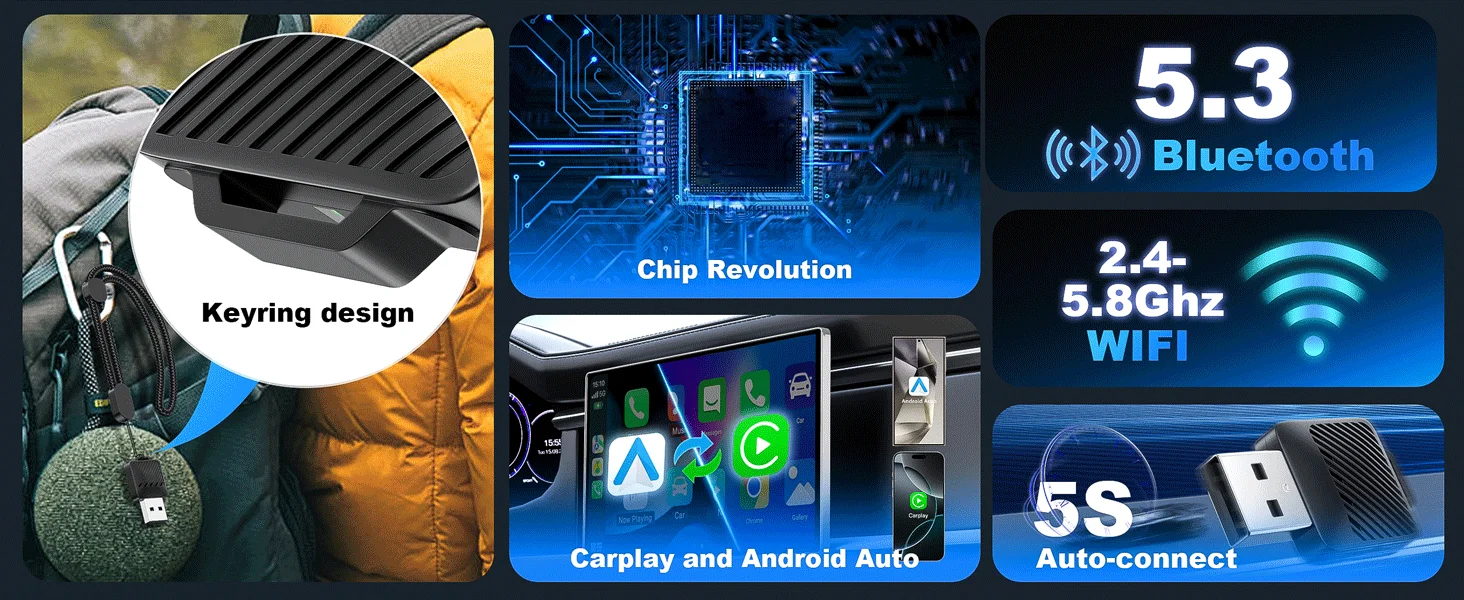
- Auto reconnect: remembers your paired phone and reconnects each time you start the car.
- Dual-band Wi-Fi: uses 2.4GHz and 5GHz Wi-Fi, with Bluetooth for pairing.
- Quick setup: pair over Bluetooth and follow the on-screen steps, which usually takes under 2 minutes, per the supplier.
- Secure fit: a tapered back helps it sit firmly in the USB port, per the supplier.
Specifications
- Plug: USB Type-A
- Input voltage: 5V
- Connection: Bluetooth and Wi-Fi (2.4GHz and 5GHz)
- Height: 0.4 in (1 cm)
- Color: black
What's in the Box
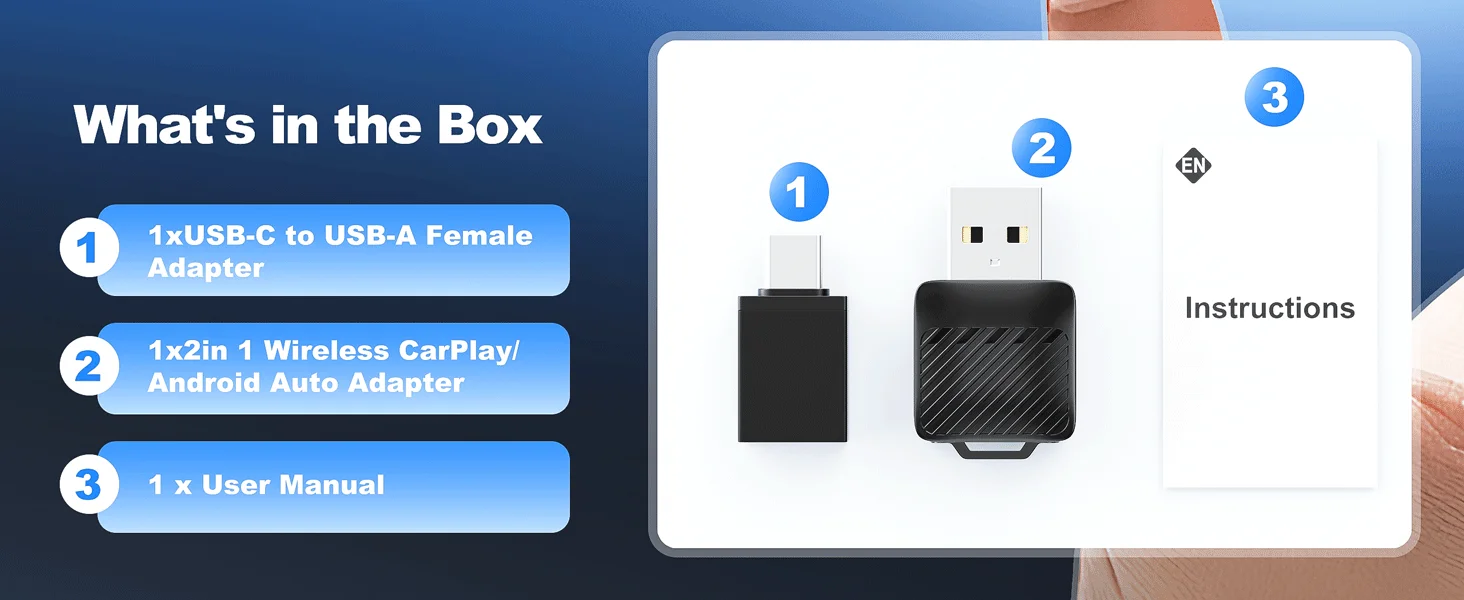
- 1 x wireless adapter (black)
How to Use
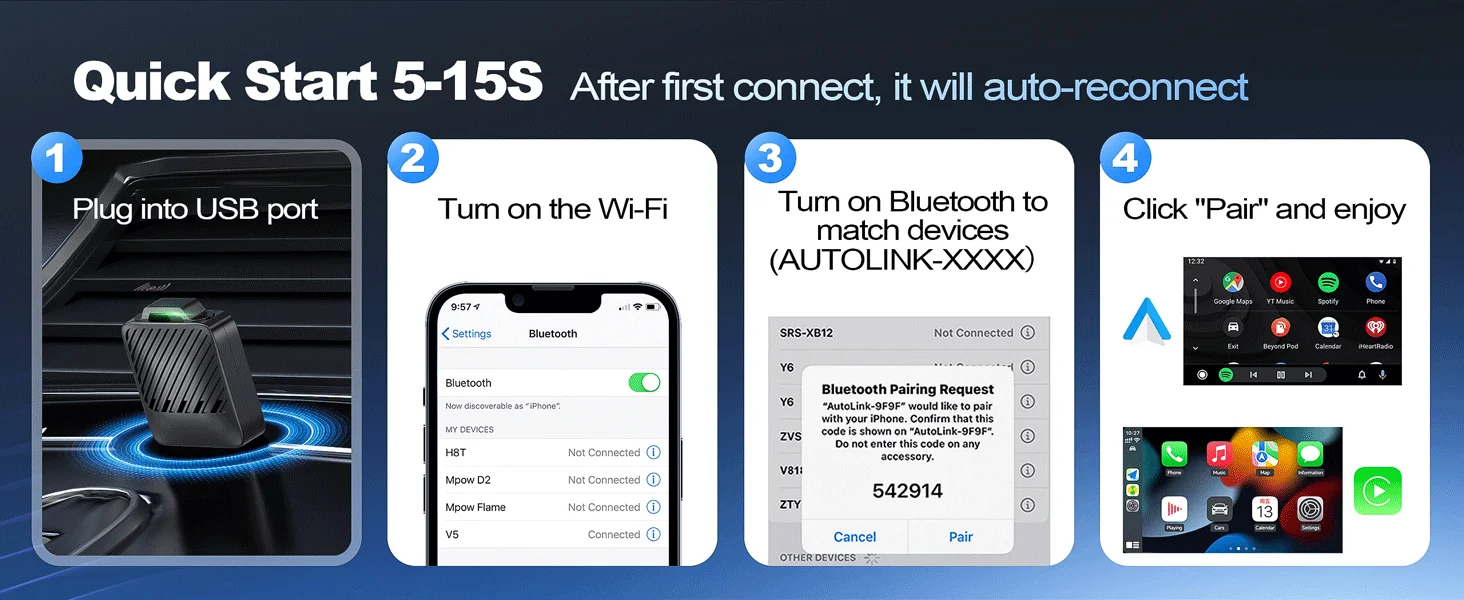
- Start the car and plug the adapter into the USB port you use for wired CarPlay or Android Auto.
- Turn on Bluetooth and Wi-Fi on your phone, then pair it with the adapter over Bluetooth.
- Follow the prompts on the car screen. After that, it reconnects on its own when you start the car.
Good to Know
- This adapter does not add CarPlay or Android Auto to a car that doesn't already have it.
- Firmware can be updated online, per the supplier.
- Not sure your car is compatible? Message us your make, model and year.





Better Together
Total price:


