OBD2 Scanner with Color Screen, Check Engine Code Reader with Live Data Graphs, I/M Readiness and Battery Voltage Test
OBD2 Scanner with Color Screen, Check Engine Code Reader with Live Data Graphs, I/M Readiness and Battery Voltage Test
Regular price
$24.99
Regular price
$24.99
Sale price
$0.00
Unit price
per
Couldn't load pickup availability
-
Ordered
- - -
Order Ready
- - -
Delivered

OBD2 Scanner with Color Screen, Check Engine Code Reader with Live Data Graphs, I/M Readiness and Battery Voltage Test
Regular price
$24.99
Regular price
$24.99
Sale price
$0.00
Unit price
per
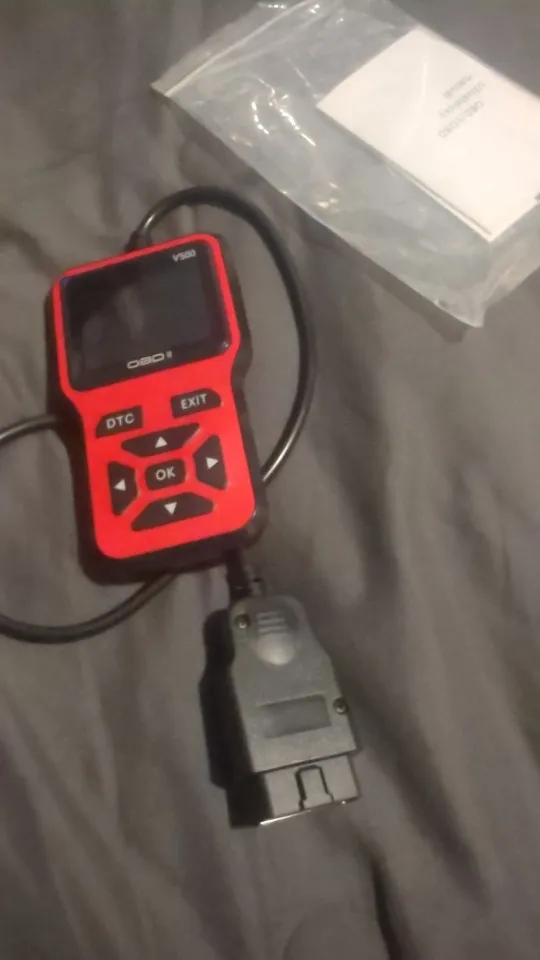
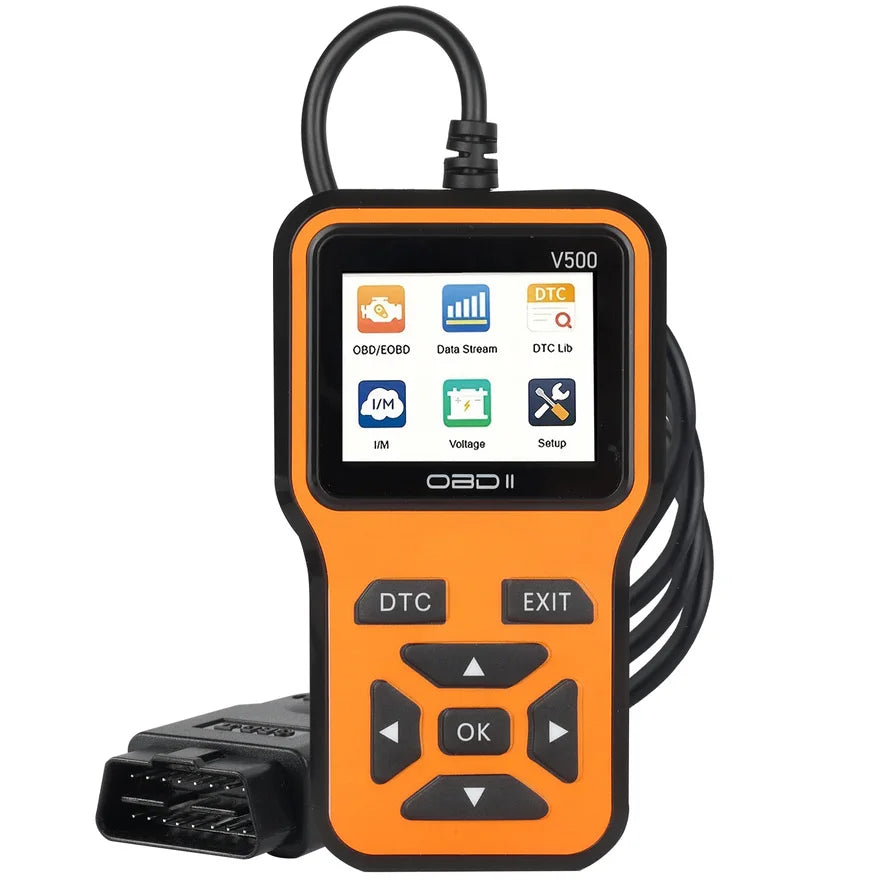
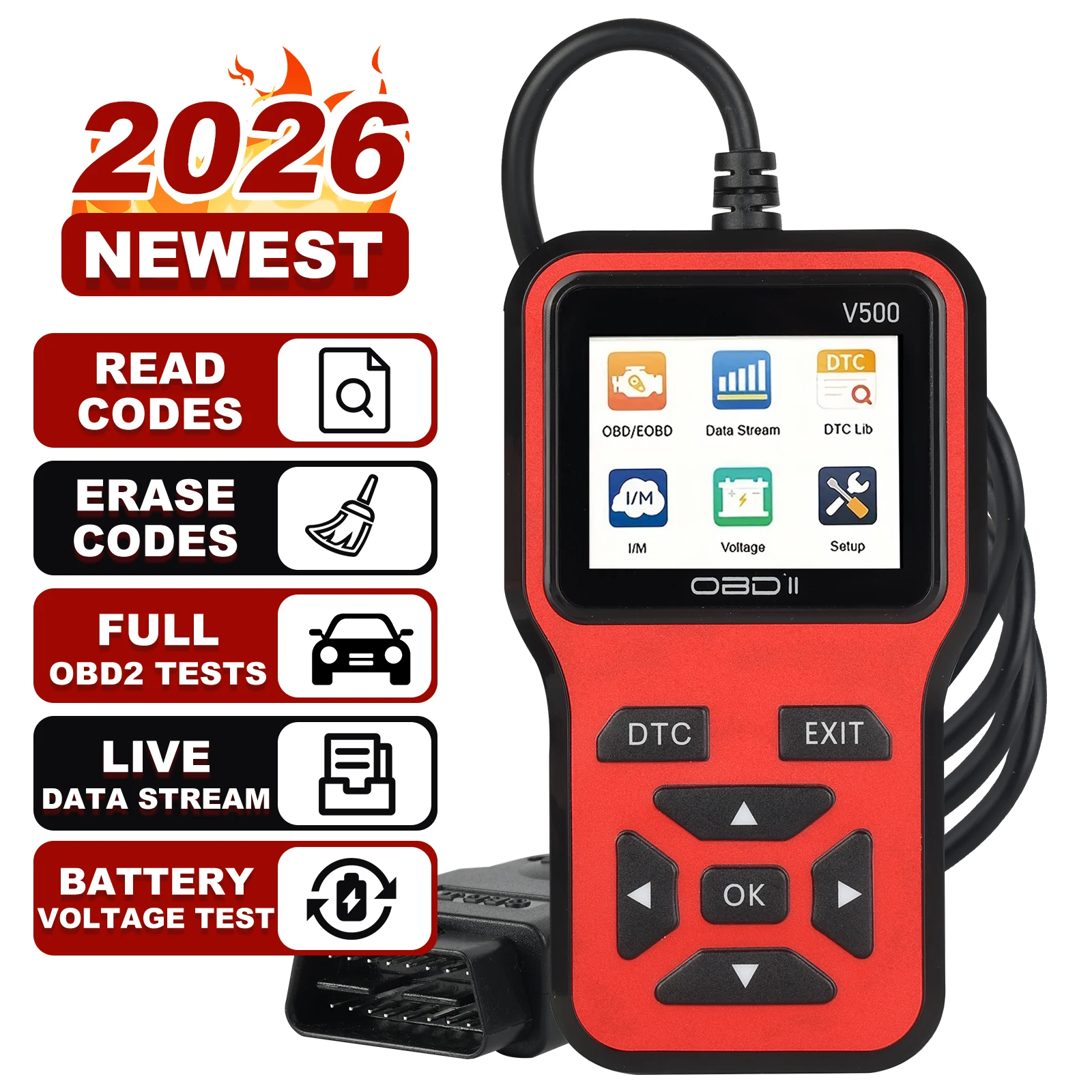
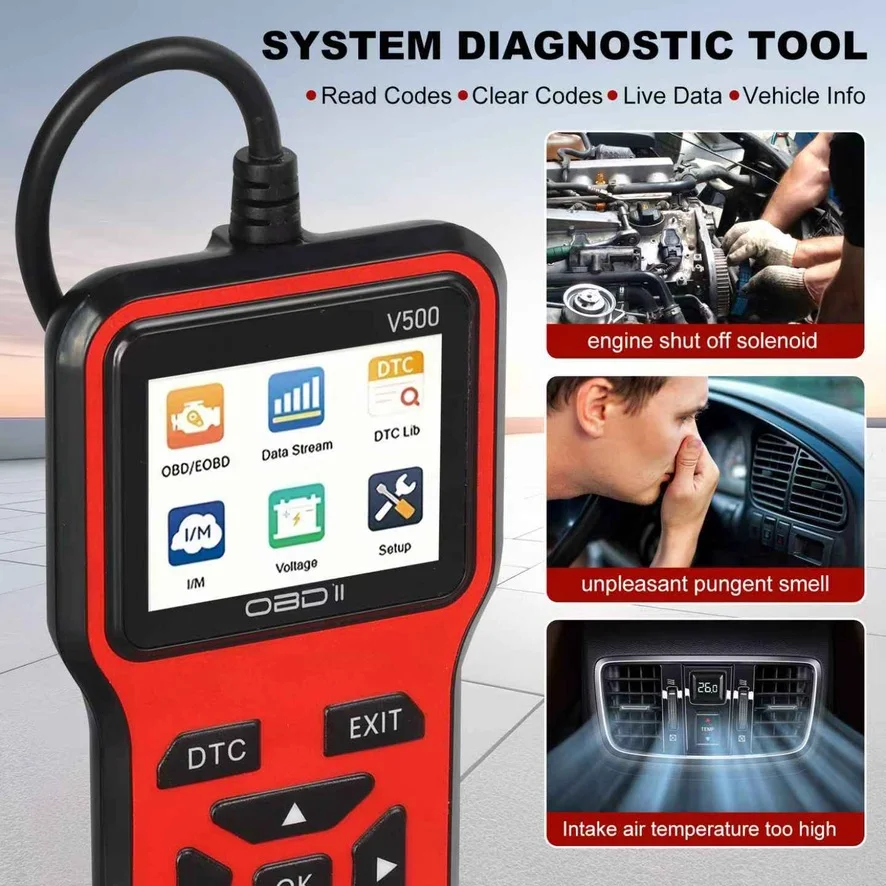
A handheld OBD2 scanner with a color screen that plugs straight into your car's OBD2 port. No phone or app needed: read and clear check engine codes, watch live engine data as graphs and check if your car is ready for an emissions test.
Key Features
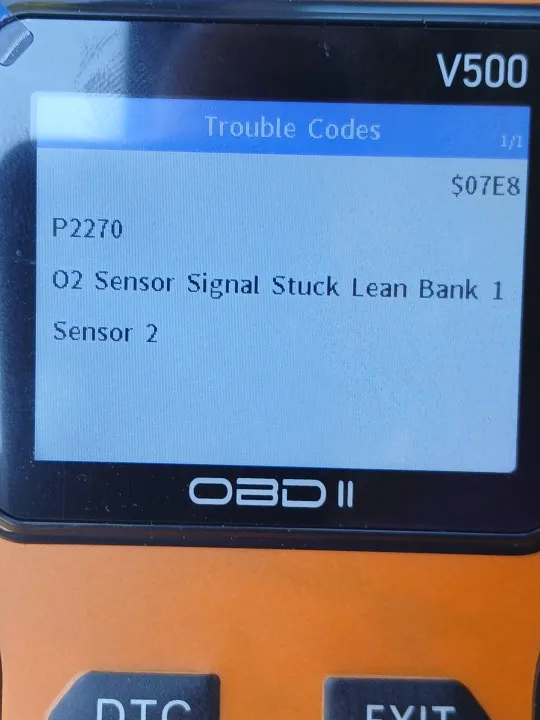
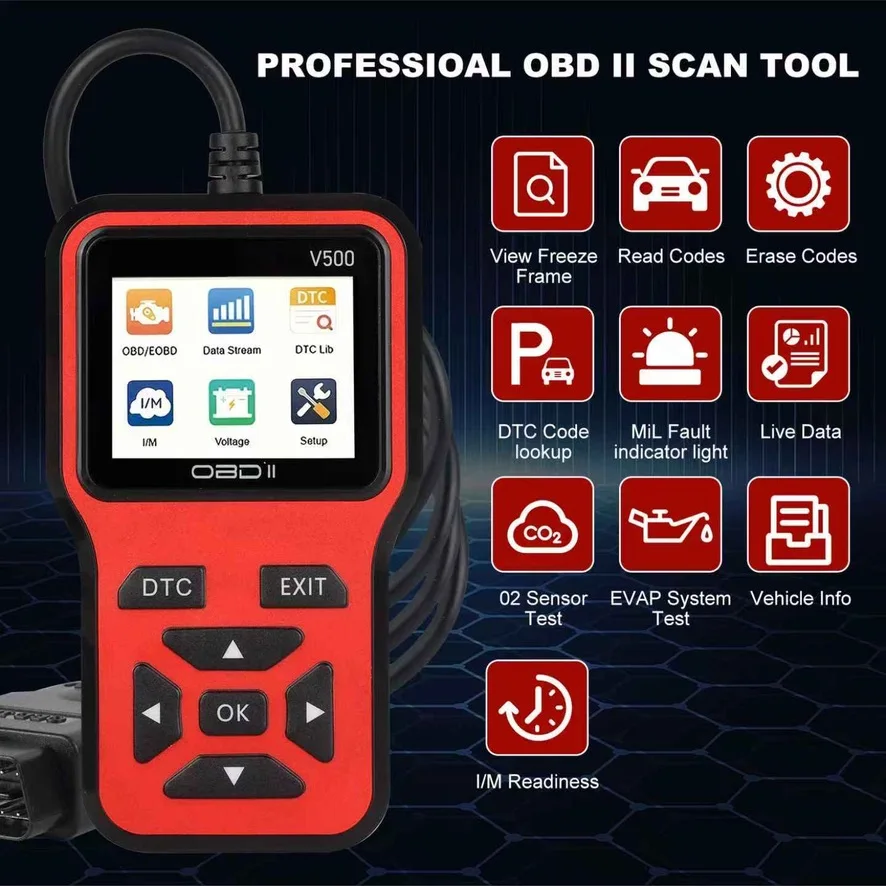
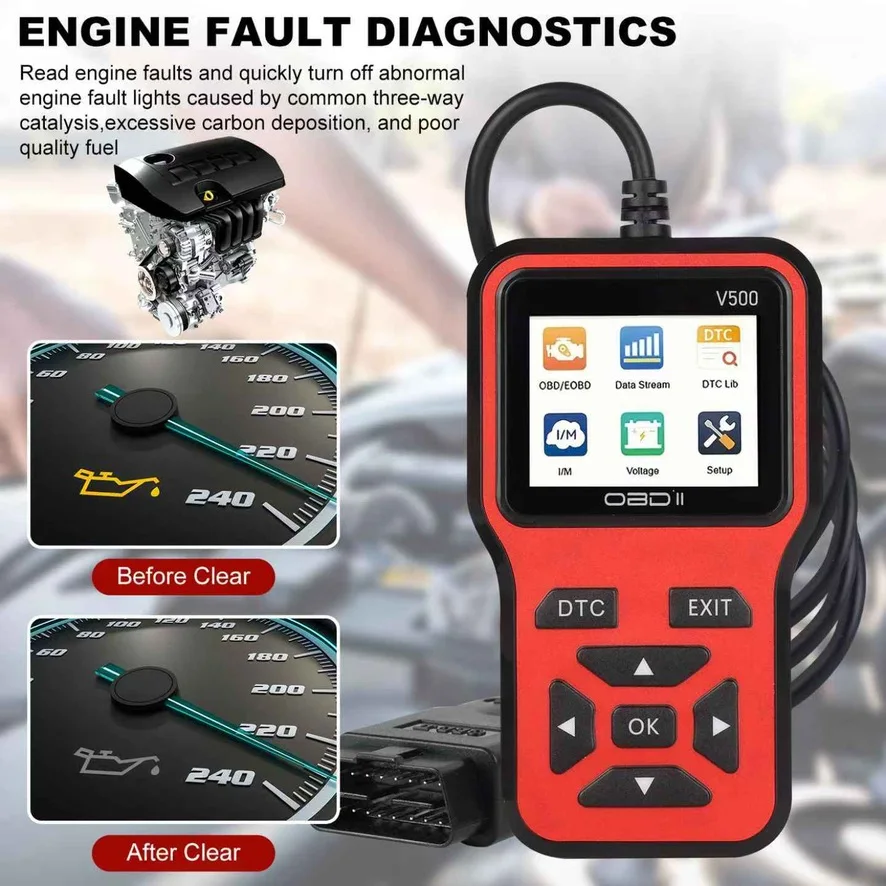
- Read and erase codes: see the trouble code and its meaning, and turn off the check engine light after the repair.
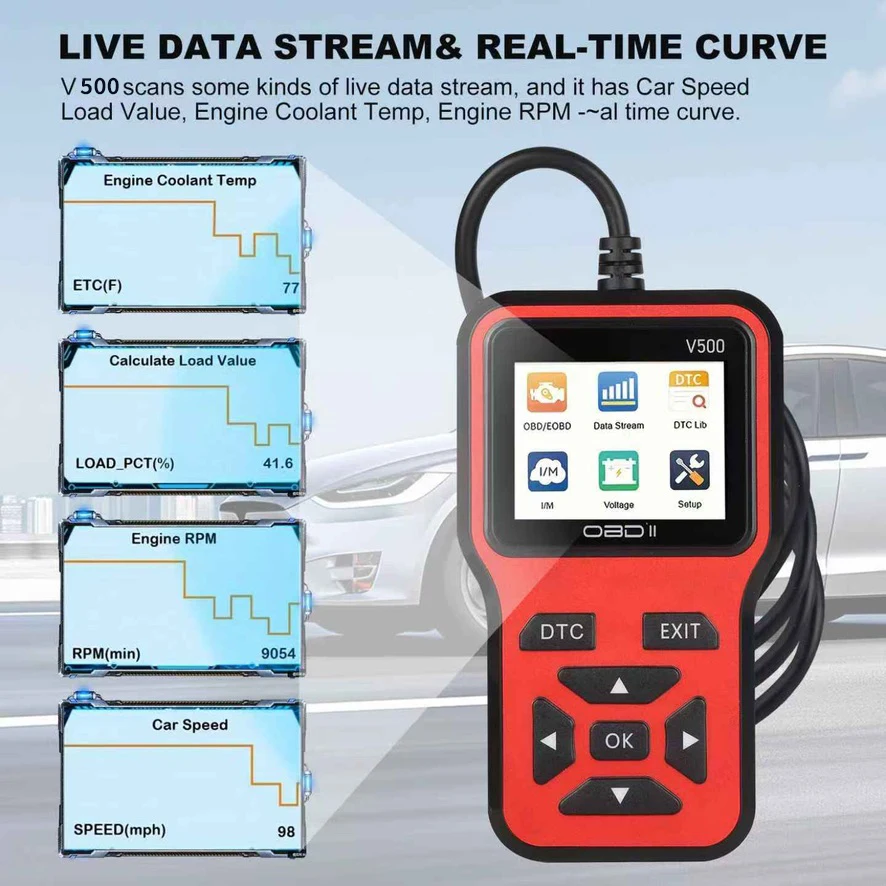
- Live data graphs: vehicle speed, engine load, coolant temperature and RPM shown as real-time curves.
- Emissions checks: I/M readiness, O2 sensor test and EVAP system test.
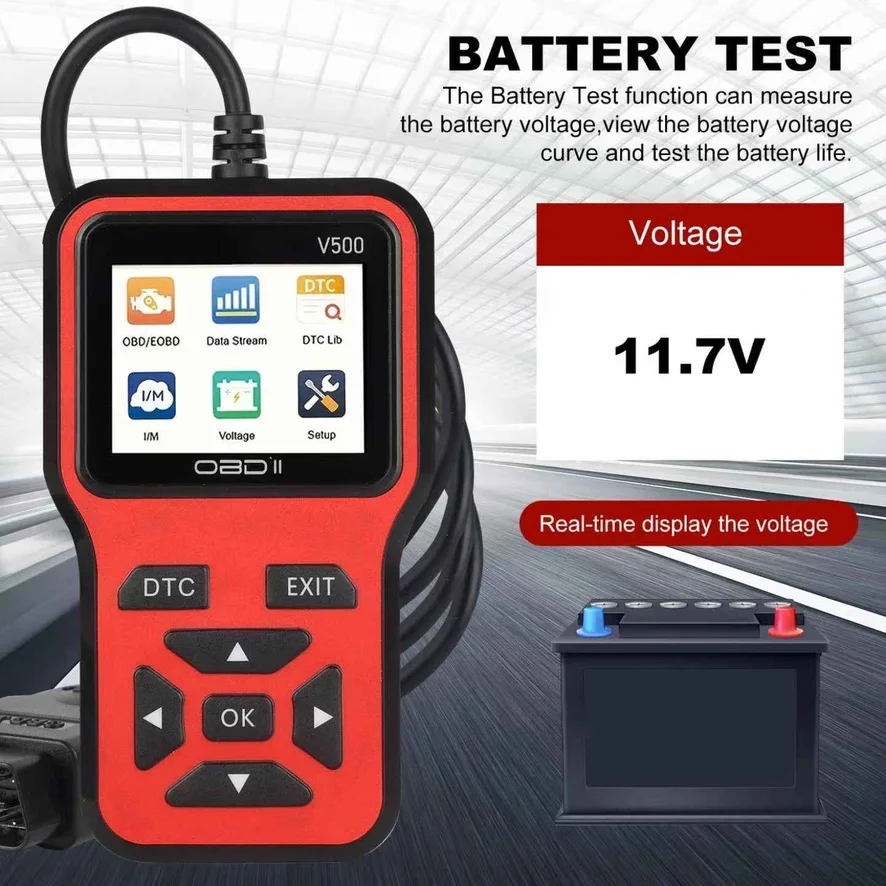
- More tools: freeze frame data, vehicle info and a battery voltage test.
- Plug and play: powered by the OBD2 port, so there's no battery to charge.
Compatibility
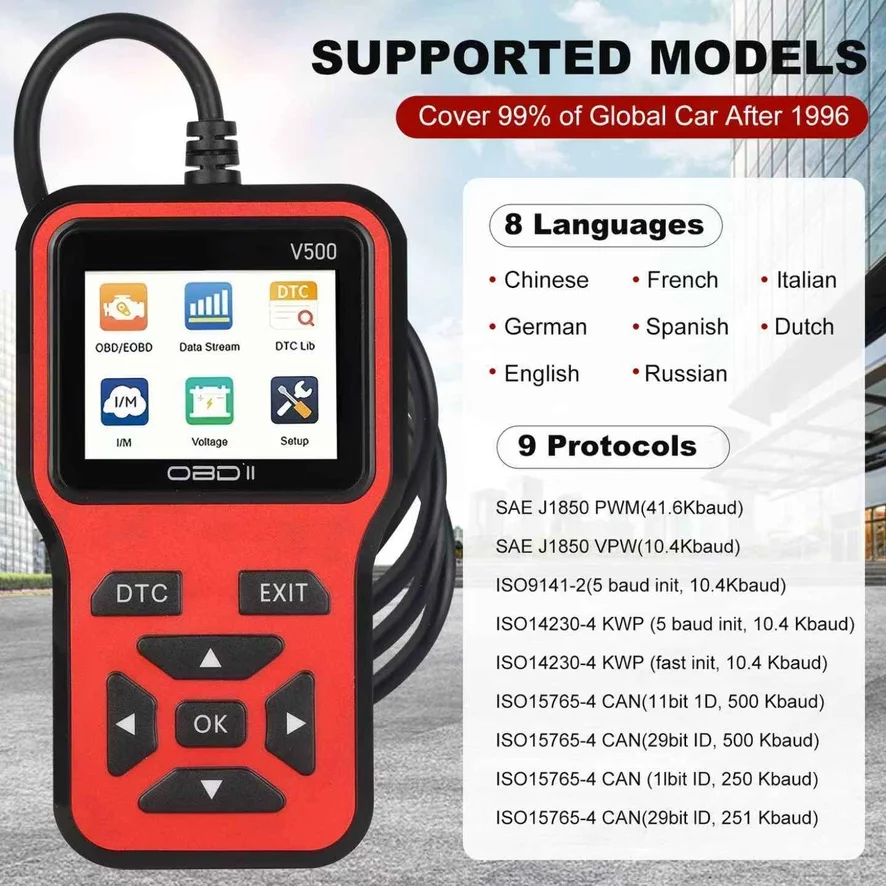
- Works with most 1996 and newer cars and light trucks that have an OBD2 port and use standard OBD2 protocols.
- The OBD2 port is usually under the dashboard on the driver's side, near the steering column.
- Not sure about your vehicle? Message us your make, model and year before ordering.
Specifications
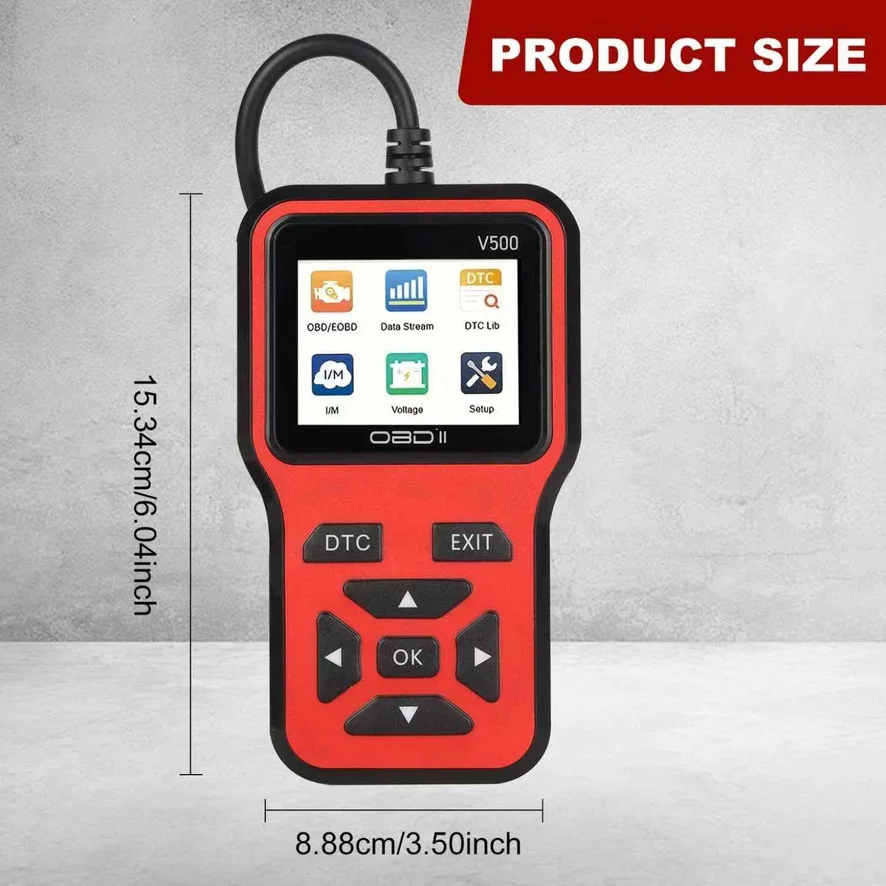
- Screen: color display
- Connection: wired OBD2 cable
- Power: from the vehicle's OBD2 port
- Protocols: 9 standard OBD2 protocols, including CAN, KWP2000, ISO 9141 and J1850 PWM/VPW
- Languages: English, Spanish, French, German, Italian, Dutch, Russian and Chinese
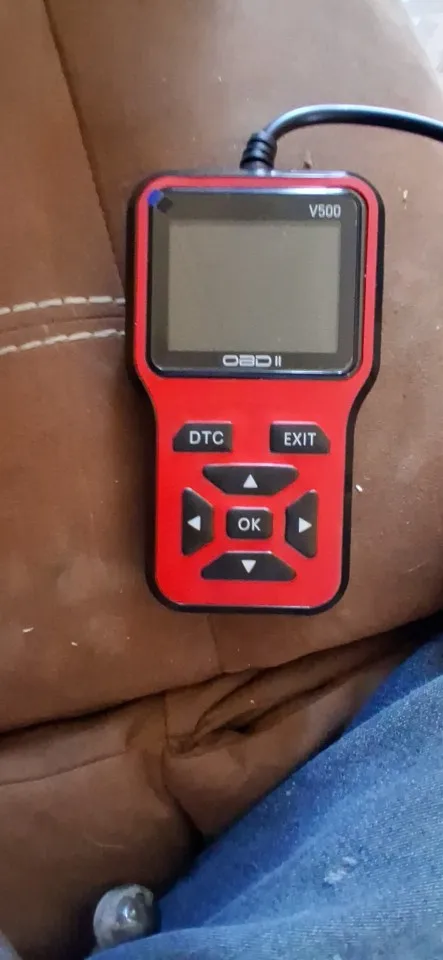
- Colors: red or orange
What's in the Box
- 1 x OBD2 scanner with attached cable
How to Use
- Find the OBD2 port, usually under the dashboard on the driver's side.
- Plug in the scanner and turn the ignition on.
- Choose a function from the menu, such as Read Codes or Live Data.
Good to Know
- It reads standard engine and emissions data (OBD2). It doesn't access other systems such as ABS or airbags.
- Clearing a code turns off the light, but the light comes back if the problem isn't fixed.
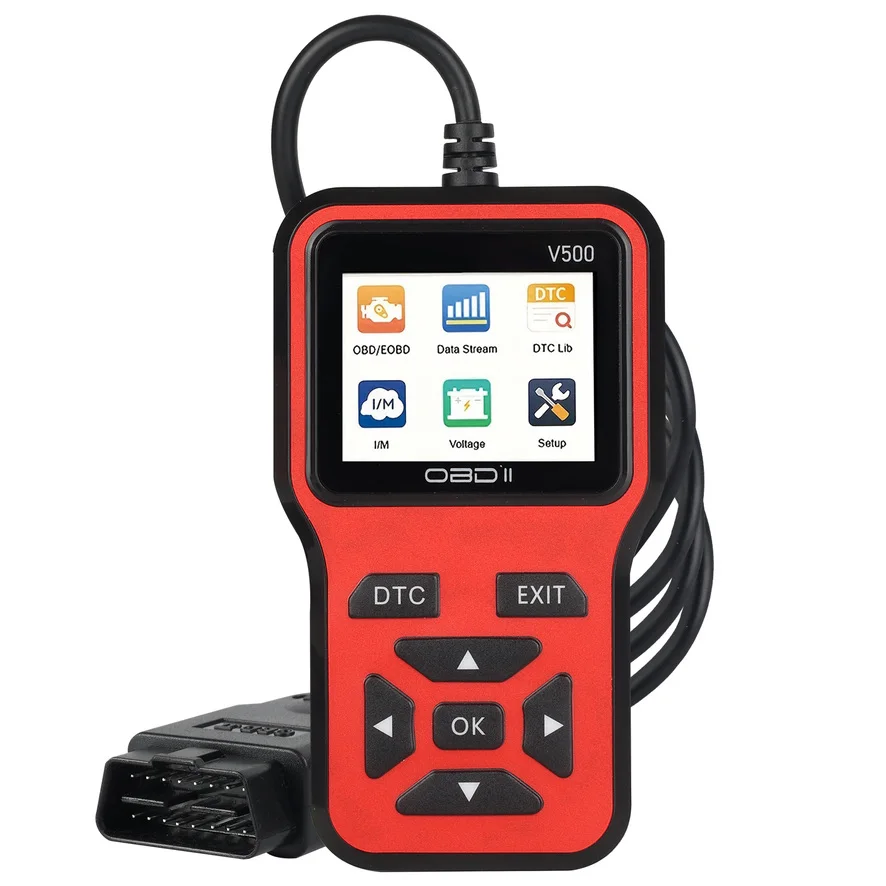
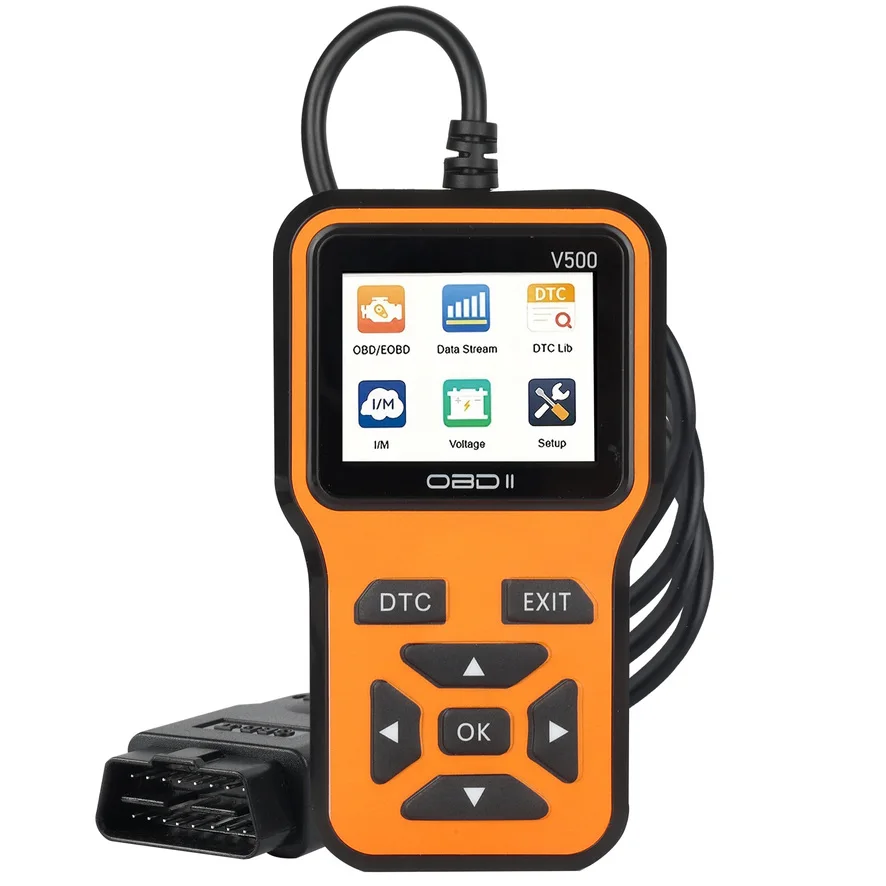
Real photos of this product